Nmap scanning
Use this when: you need live hosts, open ports and service versions on a network you are allowed to test.
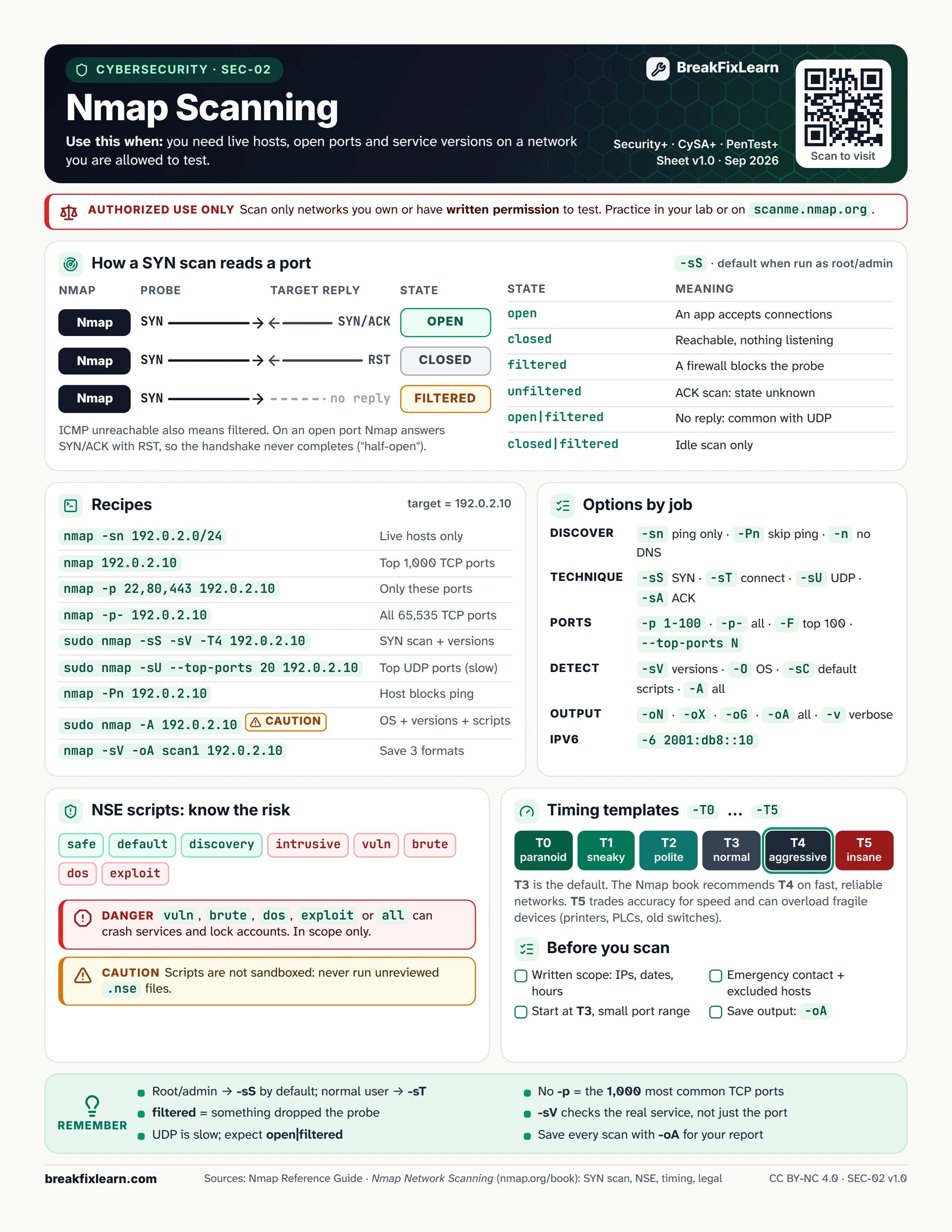
Text version
Everything on the sheet, as plain HTML: handy for screen readers, copy-paste and search.
Authorized use only. Scan only networks you own or have written permission to test. Practice in your lab or on scanme.nmap.org.
How a SYN scan reads a port
The SYN scan (-sS) is the default when you run Nmap as root or admin.
| Nmap sends | Target replies | Port state |
|---|---|---|
| SYN | SYN/ACK | open |
| SYN | RST | closed |
| SYN | No reply | filtered |
An ICMP unreachable also means filtered. On an open port Nmap answers the SYN/ACK with RST, so the handshake never completes ("half-open").
| State | Meaning |
|---|---|
| open | An application accepts connections |
| closed | Reachable, nothing listening |
| filtered | A firewall blocks the probe |
| unfiltered | ACK scan: state unknown |
| open|filtered | No reply, common with UDP |
| closed|filtered | Idle scan only |
Recipes
Target used in the examples: 192.0.2.10.
| Command | What it does |
|---|---|
nmap -sn 192.0.2.0/24 | Live hosts only |
nmap 192.0.2.10 | Top 1,000 TCP ports |
nmap -p 22,80,443 192.0.2.10 | Only these ports |
nmap -p- 192.0.2.10 | All 65,535 TCP ports |
sudo nmap -sS -sV -T4 192.0.2.10 | SYN scan plus service versions |
sudo nmap -sU --top-ports 20 192.0.2.10 | Top UDP ports (slow) |
nmap -Pn 192.0.2.10 | Host blocks ping |
sudo nmap -A 192.0.2.10 caution | OS, versions and scripts |
nmap -sV -oA scan1 192.0.2.10 | Save output in 3 formats |
Options by job
| Job | Options |
|---|---|
| Discover | -sn ping only, -Pn skip ping, -n no DNS |
| Technique | -sS SYN, -sT connect, -sU UDP, -sA ACK |
| Ports | -p 1-100, -p- all, -F top 100, --top-ports N |
| Detect | -sV versions, -O OS, -sC default scripts, -A all |
| Output | -oN, -oX, -oG, -oA all formats, -v verbose |
| IPv6 | -6 2001:db8::10 |
NSE scripts: know the risk
Script categories: safe, default, discovery, intrusive, vuln, brute, dos, exploit.
Danger. The vuln, brute, dos, exploit and all categories can crash services and lock accounts. Use them in scope only.
Caution. Scripts are not sandboxed. Never run unreviewed .nse files.
Timing templates
| Template | Name |
|---|---|
| -T0 | paranoid |
| -T1 | sneaky |
| -T2 | polite |
| -T3 | normal (default) |
| -T4 | aggressive |
| -T5 | insane |
T3 is the default. The Nmap book recommends T4 on fast, reliable networks. T5 trades accuracy for speed and can overload fragile devices such as printers, PLCs and old switches.
Before you scan
- Written scope: IPs, dates and hours
- Emergency contact and excluded hosts
- Start at T3 with a small port range
- Save output with
-oA
Remember
- Root or admin runs
-sSby default; a normal user gets-sT - No
-pmeans the 1,000 most common TCP ports - filtered means something dropped the probe
-sVchecks the real service, not just the port- UDP is slow; expect open|filtered
- Save every scan with
-oAfor your report