Wireshark display filters
Use this when: you need the few packets that matter in a capture: one host, one conversation, errors or suspicious traffic.
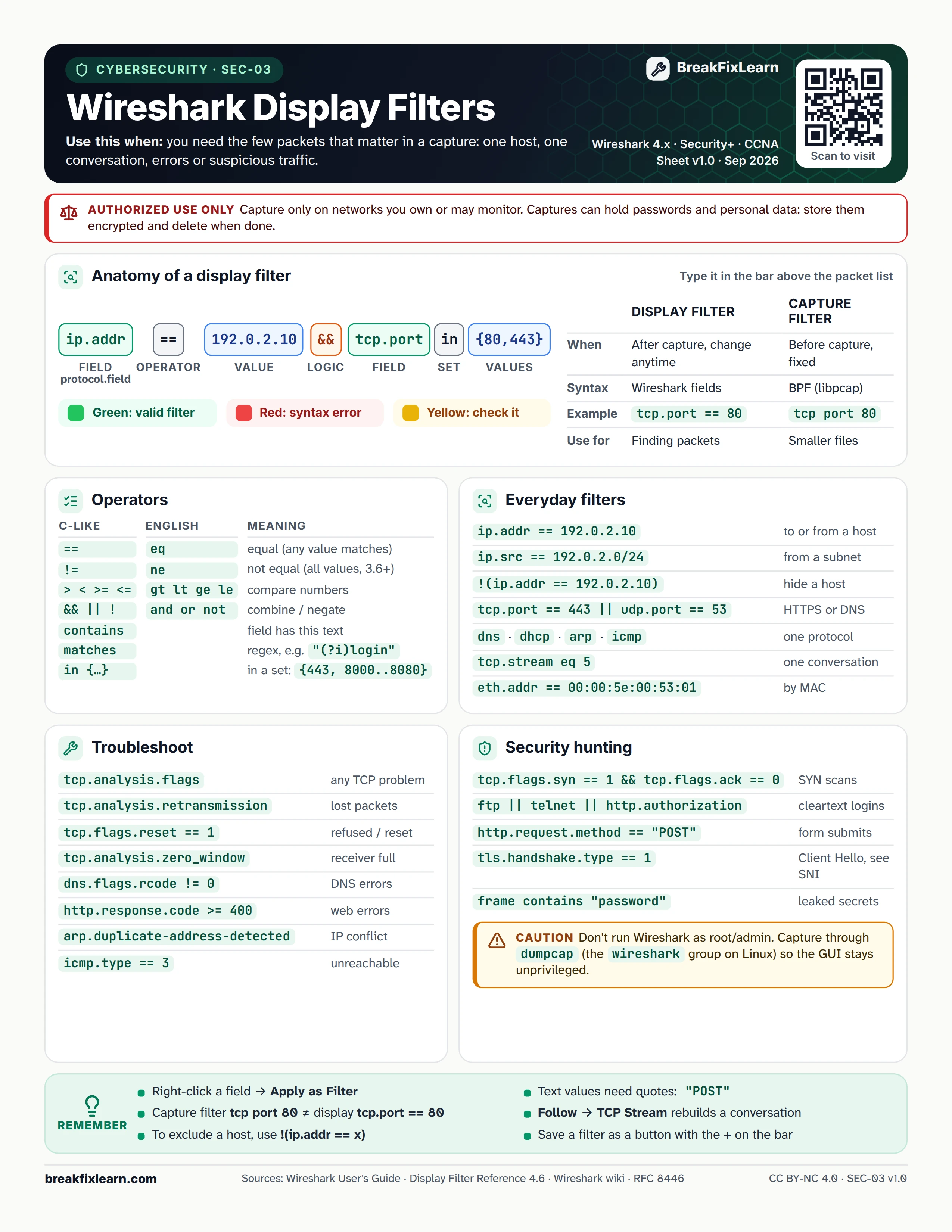
Text version
Everything on the sheet, as plain HTML: handy for screen readers, copy-paste and search.
Authorized use only. Capture only on networks you own or may monitor. Captures can hold passwords and personal data: store them encrypted and delete them when done.
Anatomy of a display filter
Type it in the bar above the packet list. Example: ip.addr == 192.0.2.10 && tcp.port in {80,443}, made of a field, an operator, a value, logic, a second field, a set operator and set values. The bar turns green for a valid filter, red for a syntax error and yellow when you should check it.
| Display filter | Capture filter | |
|---|---|---|
| When | After capture, change anytime | Before capture, fixed |
| Syntax | Wireshark fields | BPF (libpcap) |
| Example | tcp.port == 80 | tcp port 80 |
| Use for | Finding packets | Smaller files |
Operators
| C-like | English | Meaning |
|---|---|---|
== | eq | Equal (any value matches) |
!= | ne | Not equal (all values, 3.6+) |
> < >= <= | gt lt ge le | Compare numbers |
&& || ! | and or not | Combine or negate |
contains | Field has this text | |
matches | Regex, for example "(?i)login" | |
in {...} | In a set: {443, 8000..8080} |
Everyday filters
| Filter | Shows |
|---|---|
ip.addr == 192.0.2.10 | To or from a host |
ip.src == 192.0.2.0/24 | From a subnet |
!(ip.addr == 192.0.2.10) | Hide a host |
tcp.port == 443 || udp.port == 53 | HTTPS or DNS |
dns, dhcp, arp, icmp | One protocol |
tcp.stream eq 5 | One conversation |
eth.addr == 00:00:5e:00:53:01 | By MAC |
Troubleshoot
| Filter | Shows |
|---|---|
tcp.analysis.flags | Any TCP problem |
tcp.analysis.retransmission | Lost packets |
tcp.flags.reset == 1 | Refused or reset |
tcp.analysis.zero_window | Receiver full |
dns.flags.rcode != 0 | DNS errors |
http.response.code >= 400 | Web errors |
arp.duplicate-address-detected | IP conflict |
icmp.type == 3 | Unreachable |
Security hunting
| Filter | Shows |
|---|---|
tcp.flags.syn == 1 && tcp.flags.ack == 0 | SYN scans |
ftp || telnet || http.authorization | Cleartext logins |
http.request.method == "POST" | Form submits |
tls.handshake.type == 1 | Client Hello, see the SNI |
frame contains "password" | Leaked secrets |
Caution. Do not run Wireshark as root or admin. Capture through dumpcap (the wireshark group on Linux) so the GUI stays unprivileged.
Remember
- Right-click a field, then Apply as Filter
- Capture filter
tcp port 80is not the same as display filtertcp.port == 80 - To exclude a host, use
!(ip.addr == x) - Text values need quotes:
"POST" - Follow, then TCP Stream rebuilds a conversation
- Save a filter as a button with the + on the bar
Sources
- Wireshark User's Guide
- Wireshark display filter reference
- Wireshark wiki, display filters
- RFC 8446, TLS 1.3