Linux security commands
Use this when: you check a Linux box for who has access, what is running and listening, what changed, and how to lock it down.
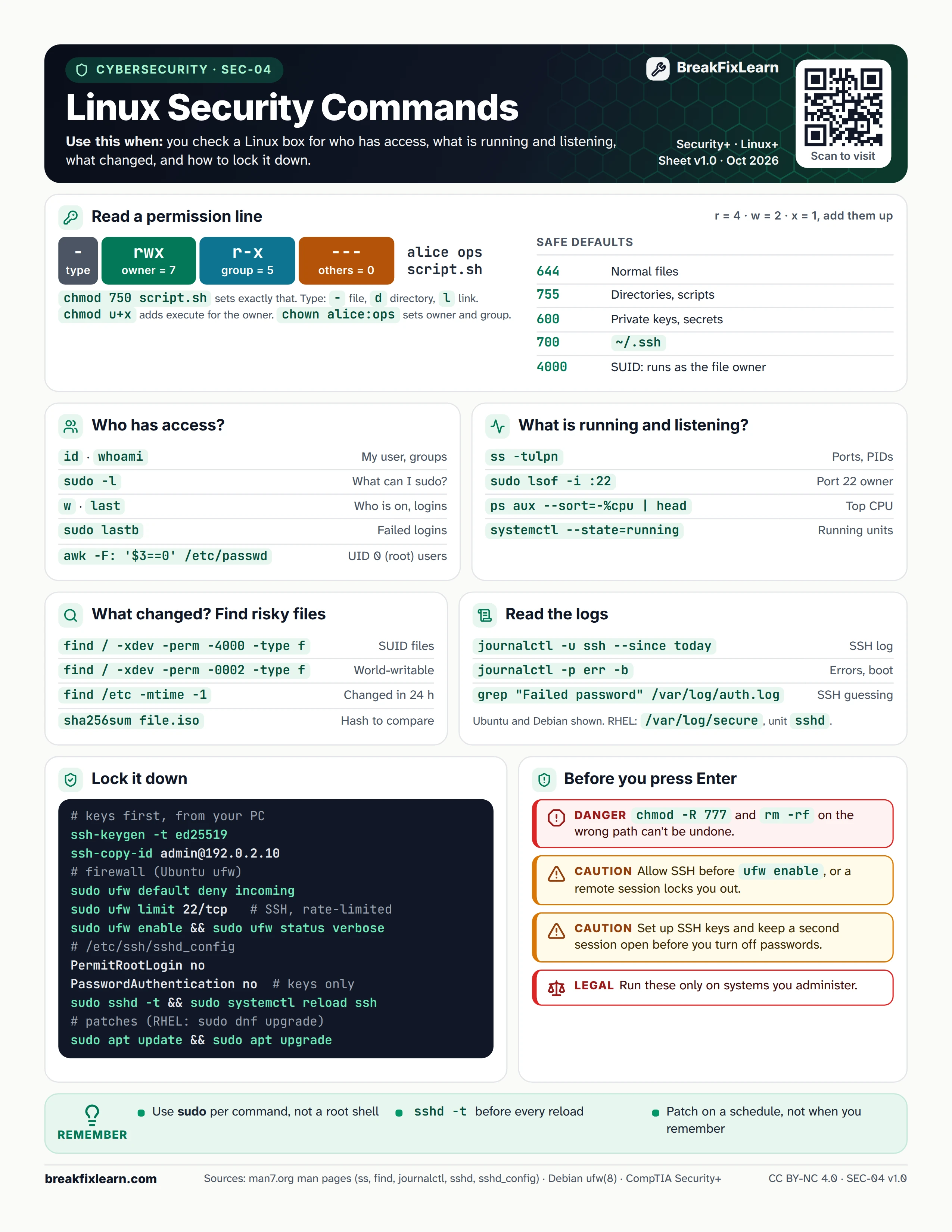
Text version
Everything on the sheet, as plain HTML: handy for screen readers, copy-paste and search.
Read a permission line
Example: -rwxr-x--- alice ops script.sh. Add r = 4, w = 2 and x = 1 for each group: owner rwx = 7, group r-x = 5, others --- = 0, so chmod 750 script.sh sets exactly that. The first character is the type: - file, d directory, l link. chmod u+x adds execute for the owner and chown alice:ops sets owner and group.
| Mode | Use for |
|---|---|
| 644 | Normal files |
| 755 | Directories, scripts |
| 600 | Private keys, secrets |
| 700 | ~/.ssh |
| 4000 | SUID: runs as the file owner |
Who has access?
| Command | Shows |
|---|---|
id, whoami | My user and groups |
sudo -l | What I can run with sudo |
w, last | Who is on, recent logins |
sudo lastb | Failed logins |
awk -F: '$3==0' /etc/passwd | Accounts with UID 0 (root) |
What is running and listening?
| Command | Shows |
|---|---|
ss -tulpn | Listening ports and their processes |
sudo lsof -i :22 | Who uses port 22 |
ps aux --sort=-%cpu | head | Top CPU processes |
systemctl --state=running | Running units |
What changed? Find risky files
| Command | Finds |
|---|---|
find / -xdev -perm -4000 -type f | SUID files |
find / -xdev -perm -0002 -type f | World-writable files |
find /etc -mtime -1 | Files changed in the last 24 hours |
sha256sum file.iso | A hash to compare with the publisher's |
Read the logs
| Command | Shows |
|---|---|
journalctl -u ssh --since today | Today's SSH log |
journalctl -p err -b | Errors since this boot |
grep "Failed password" /var/log/auth.log | SSH password guessing |
Ubuntu and Debian shown. On RHEL use /var/log/secure and the unit sshd.
Lock it down
- Keys first, from your PC:
ssh-keygen -t ed25519, thenssh-copy-id admin@192.0.2.10 - Firewall (Ubuntu ufw):
sudo ufw default deny incoming,sudo ufw limit 22/tcp(SSH, rate-limited),sudo ufw enable,sudo ufw status verbose - In
/etc/ssh/sshd_config:PermitRootLogin noandPasswordAuthentication no - Test and apply:
sudo sshd -t, thensudo systemctl reload ssh - Patches:
sudo apt updateandsudo apt upgrade(RHEL:sudo dnf upgrade)
Before you press Enter
Danger. chmod -R 777 and rm -rf on the wrong path can't be undone.
Caution. Allow SSH before ufw enable, or a remote session locks you out.
Caution. Set up SSH keys and keep a second session open before you turn off passwords.
Authorized use only. Run these only on systems you administer.
Remember
- Use sudo per command, not a root shell
- Run
sshd -tbefore every reload - Patch on a schedule, not when you remember
Sources
- ss(8) manual page
- find(1) manual page
- journalctl(1) manual page
- sshd_config(5) manual page
- ufw(8) manual page (Debian)