Troubleshooting methodology (CompTIA 7 steps)
Use this when: a ticket lands and you want a repeatable path from "it's broken" to fixed, verified and documented.
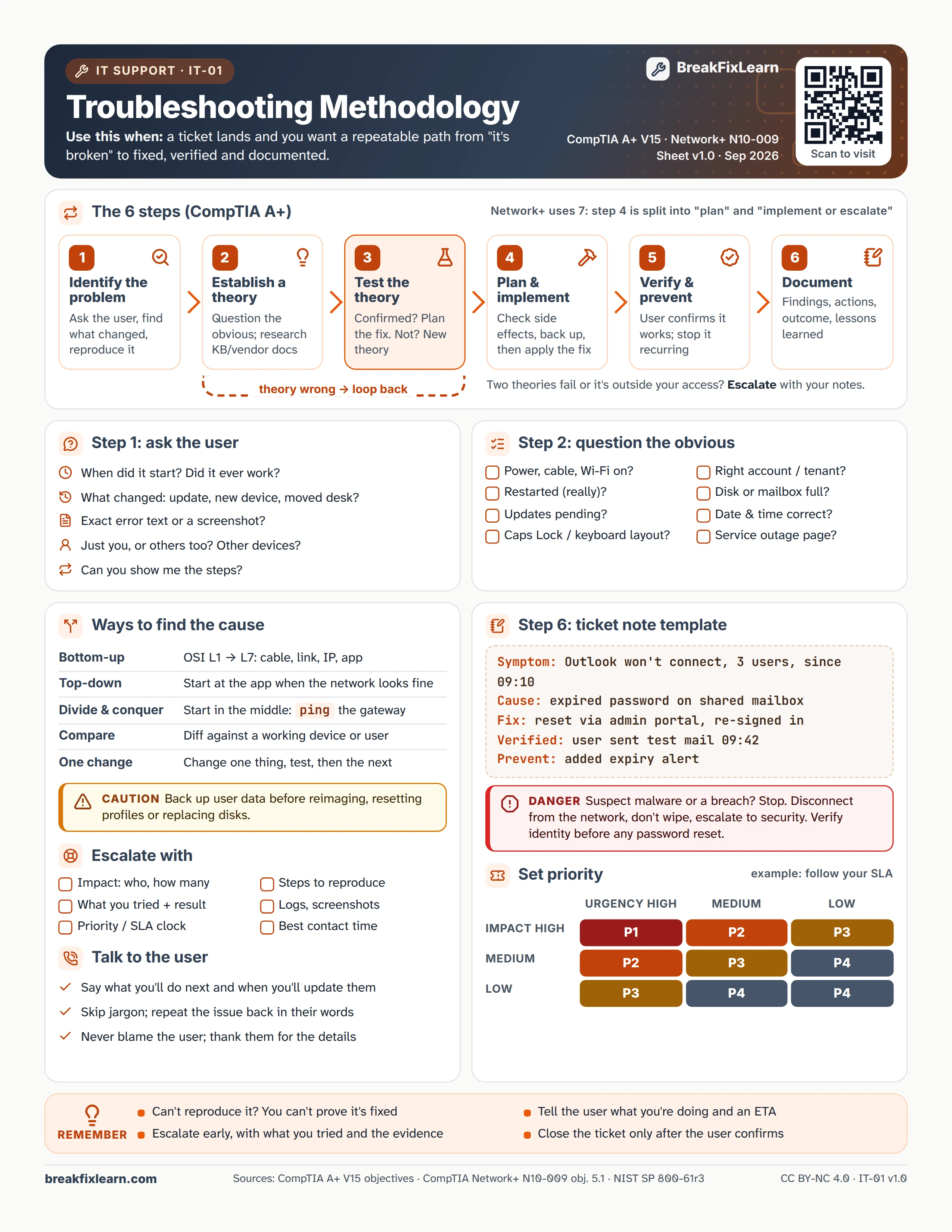
Text version
Everything on the sheet, as plain HTML: handy for screen readers, copy-paste and search.
The 6 steps (CompTIA A+)
Network+ uses 7 steps: step 4 is split into "plan" and "implement or escalate". If a theory is wrong, loop back. If two theories fail or the problem is outside your access, escalate with your notes.
| # | Step | What you do |
|---|---|---|
| 1 | Identify the problem | Ask the user, find what changed, reproduce it |
| 2 | Establish a theory | Question the obvious; research the KB and vendor docs |
| 3 | Test the theory | Confirmed? Plan the fix. Not? Form a new theory |
| 4 | Plan and implement | Check side effects, back up, then apply the fix |
| 5 | Verify and prevent | The user confirms it works; stop it recurring |
| 6 | Document | Findings, actions, outcome and lessons learned |
Step 1: ask the user
- When did it start? Did it ever work?
- What changed: an update, a new device, a moved desk?
- What is the exact error text? Can you send a screenshot?
- Is it just you, or others too? Do other devices have it?
- Can you show me the steps?
Step 2: question the obvious
- Power, cable, Wi-Fi switched on?
- Restarted (really)?
- Updates pending?
- Caps Lock or keyboard layout?
- Right account or tenant?
- Disk or mailbox full?
- Date and time correct?
- Service outage page?
Ways to find the cause
| Method | How |
|---|---|
| Bottom-up | OSI L1 to L7: cable, link, IP, app |
| Top-down | Start at the app when the network looks fine |
| Divide and conquer | Start in the middle: ping the gateway |
| Compare | Diff against a working device or user |
| One change | Change one thing, test, then the next |
Caution. Back up user data before reimaging, resetting profiles or replacing disks.
Danger. Suspect malware or a breach? Stop. Disconnect from the network, do not wipe, and escalate to security. Verify identity before any password reset.
Step 6: ticket note template
| Field | Example |
|---|---|
| Symptom | Outlook won't connect, 3 users, since 09:10 |
| Cause | Expired password on shared mailbox |
| Fix | Reset via admin portal, re-signed in |
| Verified | User sent test mail 09:42 |
| Prevent | Added expiry alert |
Escalate with
- Impact: who and how many
- Steps to reproduce
- What you tried and the result
- Logs and screenshots
- Priority and the SLA clock
- Best contact time
Set priority
Example matrix; follow your own SLA.
| Impact / urgency | High urgency | Medium urgency | Low urgency |
|---|---|---|---|
| High impact | P1 | P2 | P3 |
| Medium impact | P2 | P3 | P4 |
| Low impact | P3 | P4 | P4 |
Talk to the user
- Say what you will do next and when you will update them
- Skip jargon; repeat the issue back in their words
- Never blame the user; thank them for the details
Remember
- You can't prove a fix if you can't reproduce the problem
- Escalate early, with what you tried and the evidence
- Tell the user what you are doing and give an ETA
- Close the ticket only after the user confirms
Sources
- CompTIA A+ certification objectives
- CompTIA Network+ certification objectives
- NIST SP 800-61r3, incident response