STP/RSTP & EtherChannel
Use this when: you add redundant links between switches and need to know which port blocks, how fast it recovers, or how to bundle links.
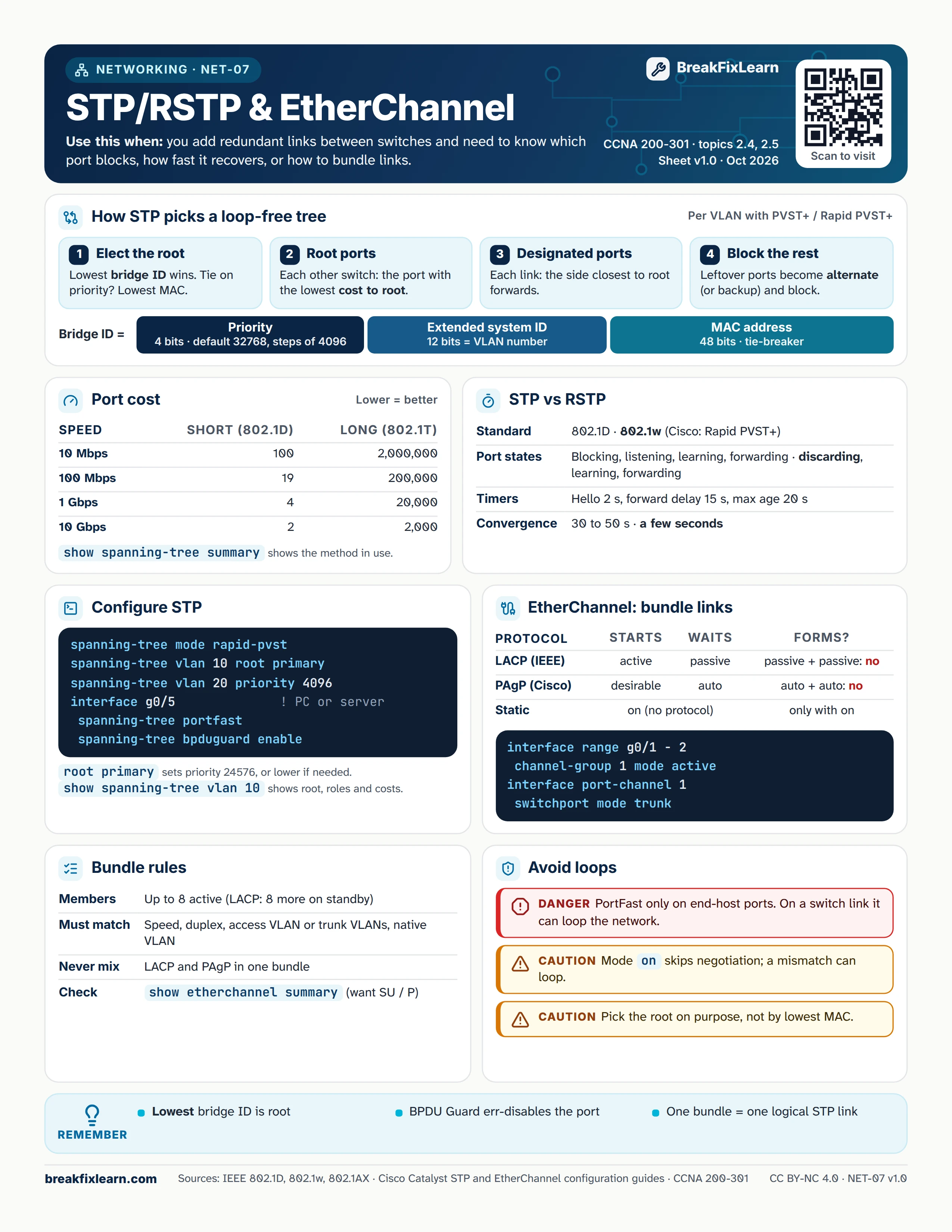
Text version
Everything on the sheet, as plain HTML: handy for screen readers, copy-paste and search.
How STP picks a loop-free tree
Cisco switches run one tree per VLAN with PVST+ or Rapid PVST+.
| Step | What happens |
|---|---|
| 1. Elect the root | Lowest bridge ID wins. A tie on priority goes to the lowest MAC. |
| 2. Root ports | Each other switch picks the port with the lowest cost to the root. |
| 3. Designated ports | On each link, the side closest to the root forwards. |
| 4. Block the rest | Leftover ports become alternate (or backup) and block. |
Bridge ID = priority (4 bits; default 32768, in steps of 4096) + extended system ID (12 bits, equal to the VLAN number) + MAC address (48 bits, the tie-breaker).
Port cost
Lower is better. show spanning-tree summary shows which method the switch uses.
| Speed | Short (802.1D) | Long (802.1t) |
|---|---|---|
| 10 Mbps | 100 | 2,000,000 |
| 100 Mbps | 19 | 200,000 |
| 1 Gbps | 4 | 20,000 |
| 10 Gbps | 2 | 2,000 |
STP vs RSTP
| STP | RSTP | |
|---|---|---|
| Standard | 802.1D | 802.1w (Cisco: Rapid PVST+) |
| Port states | Blocking, listening, learning, forwarding | Discarding, learning, forwarding |
| Convergence | 30 to 50 seconds | A few seconds |
Timers: hello 2 s, forward delay 15 s, max age 20 s.
Configure STP
spanning-tree mode rapid-pvstspanning-tree vlan 10 root primary(sets priority 24576, or lower if needed)spanning-tree vlan 20 priority 4096- On a PC or server port:
spanning-tree portfastandspanning-tree bpduguard enable show spanning-tree vlan 10shows the root, port roles and costs
EtherChannel: bundle links
| Protocol | Starts | Waits | Won't form |
|---|---|---|---|
| LACP (IEEE) | active | passive | passive + passive |
| PAgP (Cisco) | desirable | auto | auto + auto |
| Static | on (no protocol) | Forms only with on | |
Example: interface range g0/1 - 2, channel-group 1 mode active, then interface port-channel 1 and switchport mode trunk.
Bundle rules
- Up to 8 active members (LACP can hold 8 more on standby)
- Members must match speed, duplex, access VLAN or trunk VLANs, and native VLAN
- Never mix LACP and PAgP in one bundle
- Check with
show etherchannel summary(you want SU and P)
Avoid loops
Danger. Use PortFast only on end-host ports. On a switch link it can loop the network.
Caution. Mode on skips negotiation; a mismatch can cause a loop.
Caution. Pick the root on purpose, not by lowest MAC.
Remember
- The lowest bridge ID is the root
- BPDU Guard err-disables the port
- One bundle = one logical STP link
Sources
- Cisco Catalyst 9200 STP configuration guide (17.14)
- Cisco IOS XE 17 EtherChannel configuration guide
- Cisco CCNA 200-301 exam topics