PowerShell for help desk
Use this when: you fix accounts, services and network problems faster from a prompt than from five consoles.
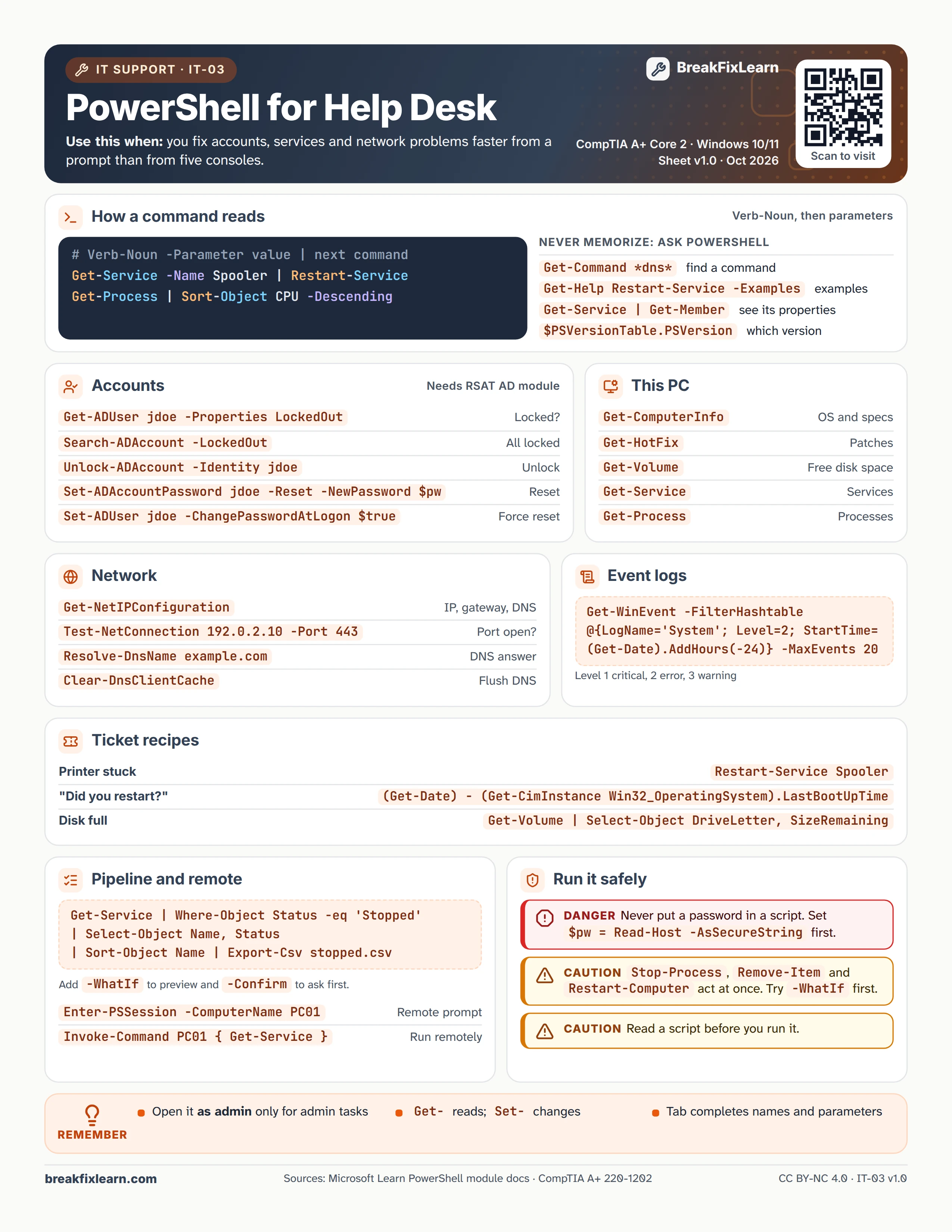
Text version
Everything on the sheet, as plain HTML: handy for screen readers, copy-paste and search.
How a command reads
PowerShell commands are Verb-Noun, then parameters, and you can pipe one into the next. Examples: Get-Service -Name Spooler | Restart-Service and Get-Process | Sort-Object CPU -Descending.
| Command | What it does |
|---|---|
Get-Command *dns* | Find a command |
Get-Help Restart-Service -Examples | Show examples |
Get-Service | Get-Member | See an object's properties |
$PSVersionTable.PSVersion | Which PowerShell version |
Accounts
These need the ActiveDirectory module from RSAT. Set $pw = Read-Host -AsSecureString before the reset.
| Command | What it does |
|---|---|
Get-ADUser jdoe -Properties LockedOut | Is the account locked? |
Search-ADAccount -LockedOut | List all locked accounts |
Unlock-ADAccount -Identity jdoe | Unlock |
Set-ADAccountPassword jdoe -Reset -NewPassword $pw | Reset the password |
Set-ADUser jdoe -ChangePasswordAtLogon $true | Force a change at next sign-in |
This PC
| Command | What it does |
|---|---|
Get-ComputerInfo | OS and specs |
Get-HotFix | Installed patches |
Get-Volume | Free disk space |
Get-Service | Services |
Get-Process | Processes |
Network
| Command | What it does |
|---|---|
Get-NetIPConfiguration | IP, gateway and DNS |
Test-NetConnection 192.0.2.10 -Port 443 | Is the port open? |
Resolve-DnsName example.com | DNS answer |
Clear-DnsClientCache | Flush the DNS cache |
Event logs
Errors from the System log in the last 24 hours: Get-WinEvent -FilterHashtable @{LogName='System'; Level=2; StartTime=(Get-Date).AddHours(-24)} -MaxEvents 20. Level 1 is critical, 2 error, 3 warning. Get-EventLog works in Windows PowerShell 5.1 only.
Pipeline and remote
Stopped services to a CSV: Get-Service | Where-Object Status -eq 'Stopped' | Select-Object Name, Status | Sort-Object Name | Export-Csv stopped.csv. Add -WhatIf to preview and -Confirm to ask first.
| Command | What it does |
|---|---|
Enter-PSSession -ComputerName PC01 | Open a remote prompt |
Invoke-Command PC01 { Get-Service } | Run a command remotely |
Ticket recipes
| Ticket | Command |
|---|---|
| Printer stuck | Restart-Service Spooler |
| "Did you restart?" | (Get-Date) - (Get-CimInstance Win32_OperatingSystem).LastBootUpTime |
| Disk full | Get-Volume | Select-Object DriveLetter, SizeRemaining |
Run it safely
Danger. Never put a password in a script. Set $pw = Read-Host -AsSecureString first.
Caution. Stop-Process, Remove-Item and Restart-Computer act at once. Try -WhatIf first.
Caution. Read a script before you run it.
Remember
- Open PowerShell as admin only for admin tasks
Get-reads;Set-changes- Tab completes names and parameters
Sources
- Microsoft Learn, Unlock-ADAccount
- Microsoft Learn, Set-ADAccountPassword
- Microsoft Learn, Get-WinEvent
- Microsoft Learn, Clear-DnsClientCache
- Microsoft Learn, Test-NetConnection