Prompt anatomy (role, task, context, format)
Use this when: you want an AI assistant to give a useful, checkable answer on the first try.
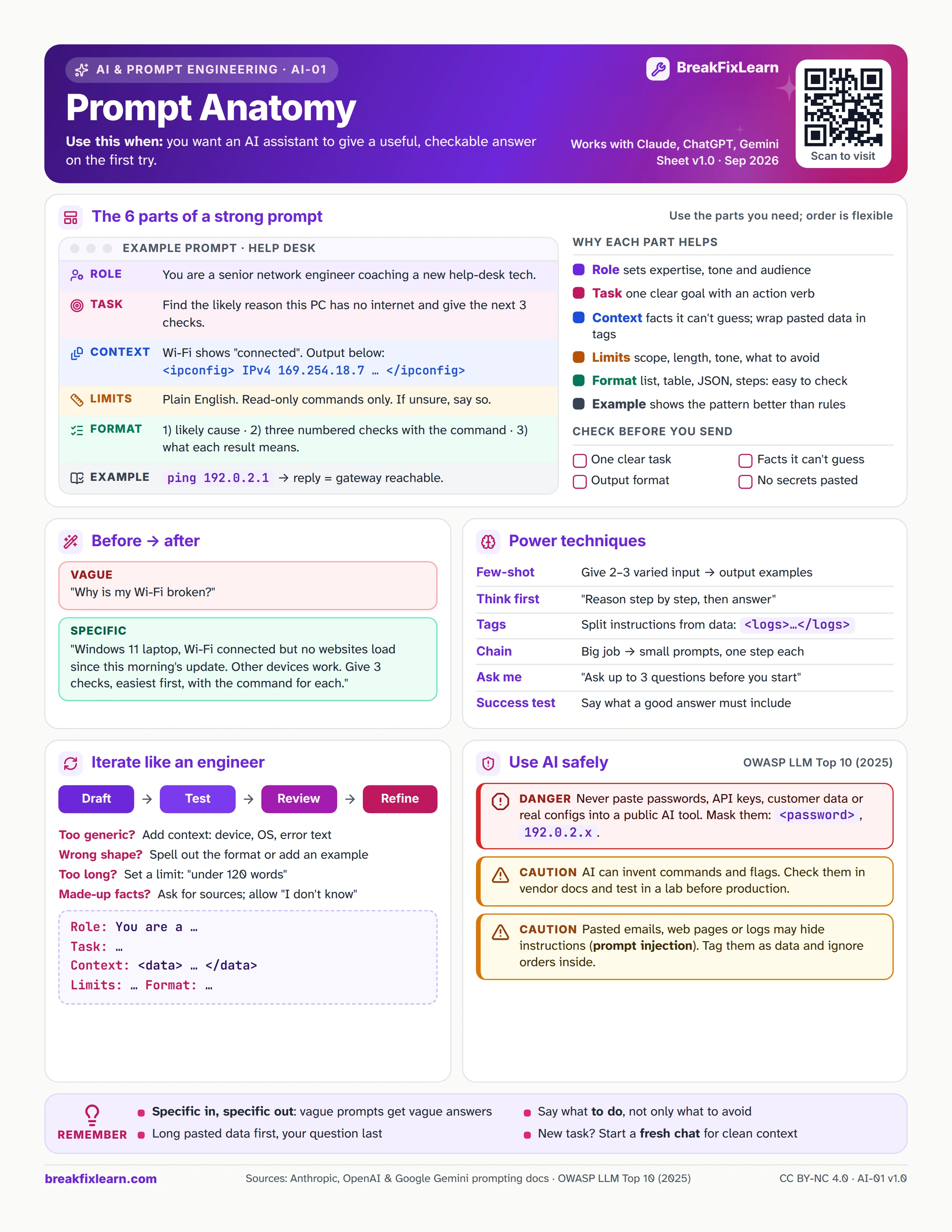
Text version
Everything on the sheet, as plain HTML: handy for screen readers, copy-paste and search.
The 6 parts of a strong prompt
Use the parts you need; the order is flexible. Example prompt for a help desk:
| Part | Example | Why it helps |
|---|---|---|
| Role | You are a senior network engineer coaching a new help-desk tech. | Sets expertise, tone and audience |
| Task | Find the likely reason this PC has no internet and give the next 3 checks. | One clear goal with an action verb |
| Context | Wi-Fi shows "connected". Output below: <ipconfig> IPv4 169.254.18.7 ... </ipconfig> | Facts it can't guess; wrap pasted data in tags |
| Limits | Plain English. Read-only commands only. If unsure, say so. | Limits scope, length, tone and what to avoid |
| Format | 1) likely cause, 2) three numbered checks with the command, 3) what each result means. | List, table, JSON or steps: easy to check |
| Example | ping 192.0.2.1: a reply means the gateway is reachable. | An example shows the pattern better than rules |
Check before you send: one clear task, facts it can't guess, an output format, and no secrets pasted.
Before and after
| Version | Prompt |
|---|---|
| Vague | "Why is my Wi-Fi broken?" |
| Specific | "Windows 11 laptop, Wi-Fi connected but no websites load since this morning's update. Other devices work. Give 3 checks, easiest first, with the command for each." |
Power techniques
| Technique | How |
|---|---|
| Few-shot | Give 2 to 3 varied input and output examples |
| Think first | "Reason step by step, then answer" |
| Tags | Split instructions from data: <logs>...</logs> |
| Chain | Big job: small prompts, one step each |
| Ask me | "Ask up to 3 questions before you start" |
| Success test | Say what a good answer must include |
Iterate like an engineer
Draft, test, review, refine.
- Too generic? Add context: device, OS, error text
- Wrong shape? Spell out the format or add an example
- Too long? Set a limit: "under 120 words"
- Made-up facts? Ask for sources and allow "I don't know"
Skeleton: Role: You are a ... Task: ... Context: <data> ... </data> Limits: ... Format: ...
Use AI safely
Aligned with the OWASP LLM Top 10 (2025).
Danger. Never paste passwords, API keys, customer data or real configs into a public AI tool. Mask them: <password>, 192.0.2.x.
Caution. AI can invent commands and flags. Check them in vendor docs and test in a lab before production.
Caution. Pasted emails, web pages or logs may hide instructions (prompt injection). Tag them as data and ignore orders inside.
Remember
- Specific in, specific out: vague prompts get vague answers
- Long pasted data first, your question last
- Say what to do, not only what to avoid
- New task? Start a fresh chat for clean context
Sources
- Anthropic, prompt engineering overview
- OpenAI, prompt engineering guide
- Google, Gemini prompting strategies
- OWASP Top 10 for LLM applications (2025)