Windows & PowerShell for defenders
Use this when: you check a Windows PC or server for signs of compromise: logons, new accounts, odd tasks, connections and Defender status.
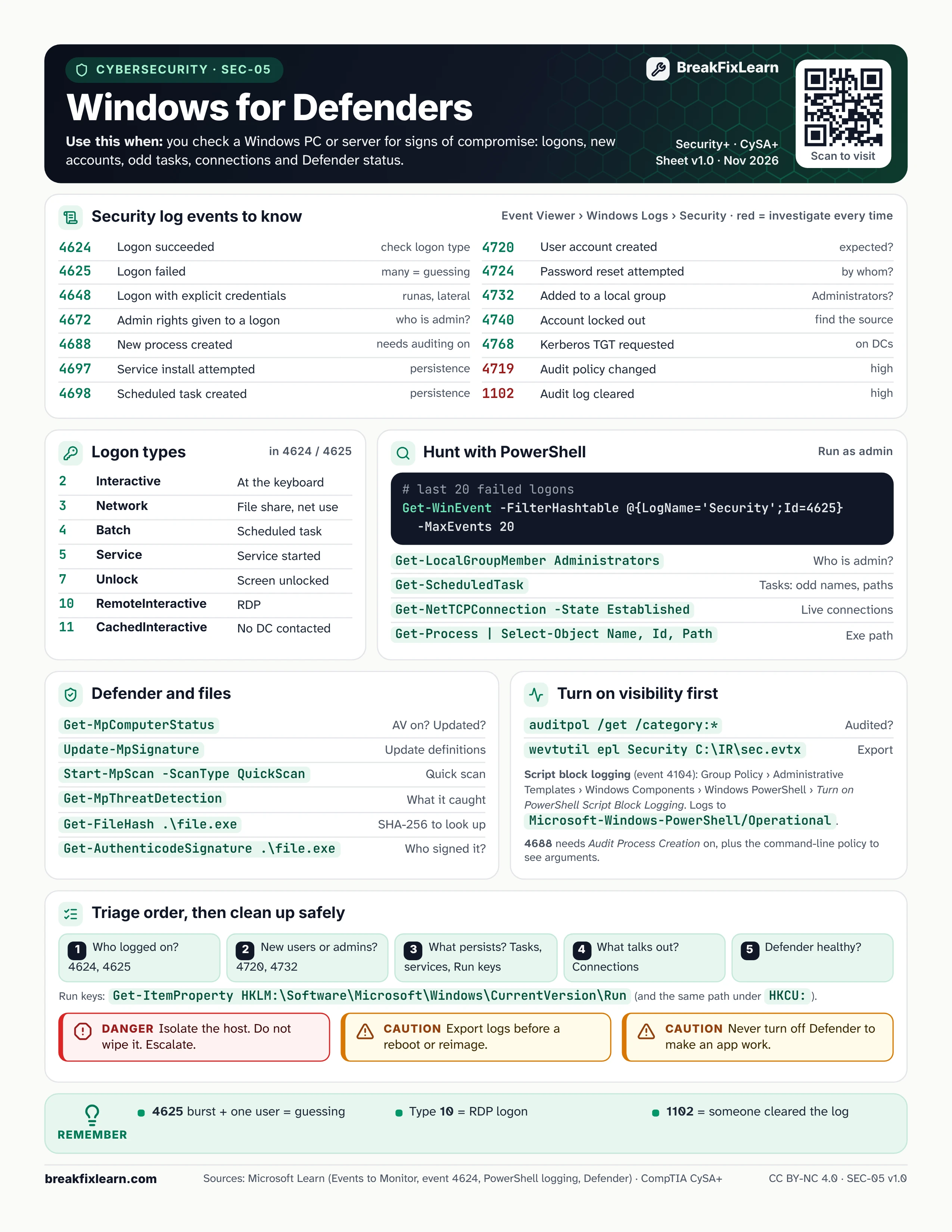
Text version
Everything on the sheet, as plain HTML: handy for screen readers, copy-paste and search.
Security log events to know
Find them in Event Viewer under Windows Logs, Security. Microsoft rates 4719 and 1102 high: investigate every one.
| Event ID | What happened | Why care |
|---|---|---|
| 4624 | Logon succeeded | Check the logon type |
| 4625 | Logon failed | Many in a row = password guessing |
| 4648 | Logon with explicit credentials | runas, lateral movement |
| 4672 | Admin rights given to a new logon | Who is acting as admin? |
| 4688 | New process created | Needs process auditing turned on |
| 4697 | Service install attempted | Persistence |
| 4698 | Scheduled task created | Persistence |
| 4720 | User account created | Was it expected? |
| 4724 | Password reset attempted | By whom? |
| 4732 | Member added to a local group | Administrators? |
| 4740 | Account locked out | Find the source |
| 4768 | Kerberos TGT requested | On domain controllers |
| 4719 | System audit policy changed | High |
| 1102 | Audit log cleared | High |
Logon types (in 4624 and 4625)
| Type | Name | Meaning |
|---|---|---|
| 2 | Interactive | At the keyboard |
| 3 | Network | File share, net use |
| 4 | Batch | Scheduled task |
| 5 | Service | A service started |
| 7 | Unlock | Screen unlocked |
| 10 | RemoteInteractive | Remote Desktop (RDP) |
| 11 | CachedInteractive | Cached credentials; no domain controller contacted |
Hunt with PowerShell (run as admin)
| Command | Shows |
|---|---|
Get-WinEvent -FilterHashtable @{LogName='Security';Id=4625} -MaxEvents 20 | Last 20 failed logons |
Get-LocalGroupMember Administrators | Who is a local admin |
Get-ScheduledTask | Tasks: look for odd names and paths |
Get-NetTCPConnection -State Established | Live connections |
Get-Process | Select-Object Name, Id, Path | Where each process runs from |
Get-ItemProperty HKLM:\Software\Microsoft\Windows\CurrentVersion\Run | Run key autostarts (also check HKCU:) |
Defender and files
| Command | What it does |
|---|---|
Get-MpComputerStatus | Is antivirus on and up to date? |
Update-MpSignature | Update definitions |
Start-MpScan -ScanType QuickScan | Quick scan |
Get-MpThreatDetection | What Defender caught |
Get-FileHash .\file.exe | SHA-256 hash to look up |
Get-AuthenticodeSignature .\file.exe | Who signed the file |
Turn on visibility first
auditpol /get /category:*shows what is being audited.wevtutil epl Security C:\IR\sec.evtxexports the Security log as evidence.- Script block logging (event 4104): Group Policy, Administrative Templates, Windows Components, Windows PowerShell, Turn on PowerShell Script Block Logging. Windows PowerShell 5.1 logs to
Microsoft-Windows-PowerShell/Operational; PowerShell 7 logs toPowerShellCore/Operational. - Event 4688 needs Audit Process Creation turned on, plus the command-line policy to see arguments.
Triage order
- Who logged on? (4624, 4625)
- New users or admins? (4720, 4732)
- What persists? Tasks, services, Run keys
- What talks out? Connections
- Is Defender healthy?
Danger. Isolate the host. Do not wipe it. Escalate.
Caution. Export logs before a reboot or reimage.
Caution. Never turn off Defender to make an app work.
Remember
- A burst of 4625 events for one user = password guessing
- Logon type 10 = RDP
- 1102 = someone cleared the log
Sources
- Microsoft Learn, Appendix L: Events to Monitor
- Microsoft Learn, event 4624 and logon types
- Microsoft Learn, about_Logging_Windows
- Microsoft Learn, Start-MpScan