Cisco IOS CLI essentials
Use this when: you sit at a Cisco router or switch prompt and need to move between modes, find a command, secure the box and save your work.
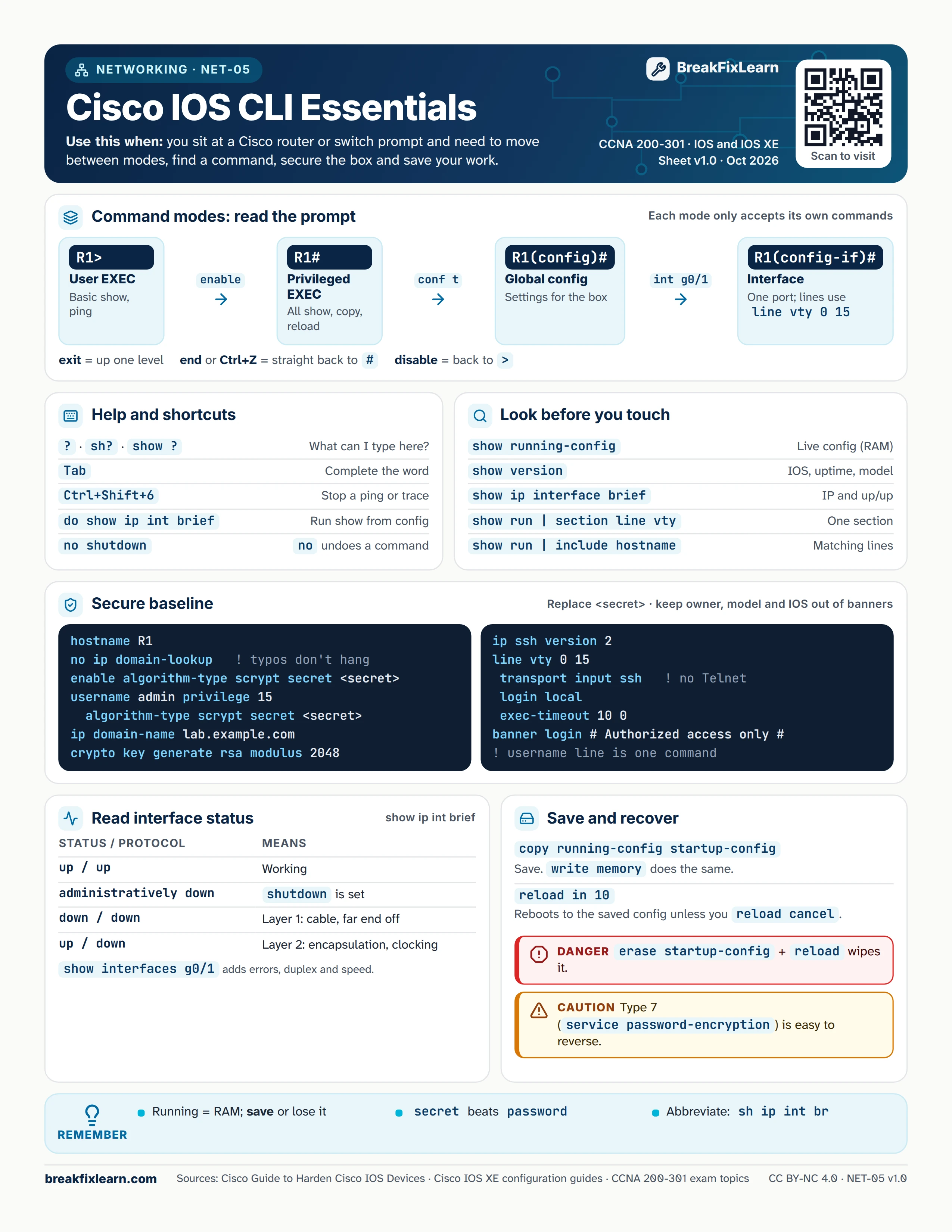
Text version
Everything on the sheet, as plain HTML: handy for screen readers, copy-paste and search.
Command modes: read the prompt
Each mode only accepts its own commands.
| Prompt | Mode | Used for | Get there with |
|---|---|---|---|
R1> | User EXEC | Basic show, ping | Log in |
R1# | Privileged EXEC | All show, copy, reload | enable |
R1(config)# | Global config | Settings for the whole device | configure terminal |
R1(config-if)# | Interface config | One port | interface g0/1 |
Lines use line vty 0 15 or line console 0. exit goes up one level, end or Ctrl+Z goes straight back to #, and disable returns to >.
Help and shortcuts
| Key or command | What it does |
|---|---|
?, sh?, show ? | What can I type here? |
| Tab | Complete the word |
| Ctrl+Shift+6 | Stop a ping or traceroute |
do show ip int brief | Run a show command from config mode |
no shutdown | no undoes a command |
Look before you touch
| Command | Shows |
|---|---|
show running-config | Live config in RAM (show startup-config = saved in NVRAM) |
show version | IOS version, uptime, model |
show ip interface brief | IP addresses and up/up status |
show run | section line vty | One section of the config |
show run | include hostname | Matching lines only |
Secure baseline
Replace <secret> with your own value. Keep owner, model and IOS details out of banners.
hostname R1no ip domain-lookup(typos don't hang the console)enable algorithm-type scrypt secret <secret>username admin privilege 15 algorithm-type scrypt secret <secret>ip domain-name lab.example.comcrypto key generate rsa modulus 2048ip ssh version 2line vty 0 15, thentransport input ssh,login localandexec-timeout 10 0banner login # Authorized access only #
Read interface status
| Status / protocol | Means |
|---|---|
| up / up | Working |
| administratively down | shutdown is set |
| down / down | Layer 1: cable, or the far end is off |
| up / down | Layer 2: encapsulation or clocking |
show interfaces g0/1 adds errors, duplex and speed.
Save and recover
| Command | What it does |
|---|---|
copy running-config startup-config | Save. write memory does the same. |
reload in 10 | Reboots to the saved config in 10 minutes unless you run reload cancel. A safety net for risky changes. |
Danger. erase startup-config followed by reload wipes the device.
Caution. Type 7 passwords (service password-encryption) are easy to reverse. Use secret.
Remember
- Running config lives in RAM: save it or lose it
secretbeatspassword- Abbreviate:
sh ip int br