Active Directory & Microsoft 365 account tasks
Use this when: you unlock, reset, create or offboard users in Active Directory, Entra ID and Exchange Online.
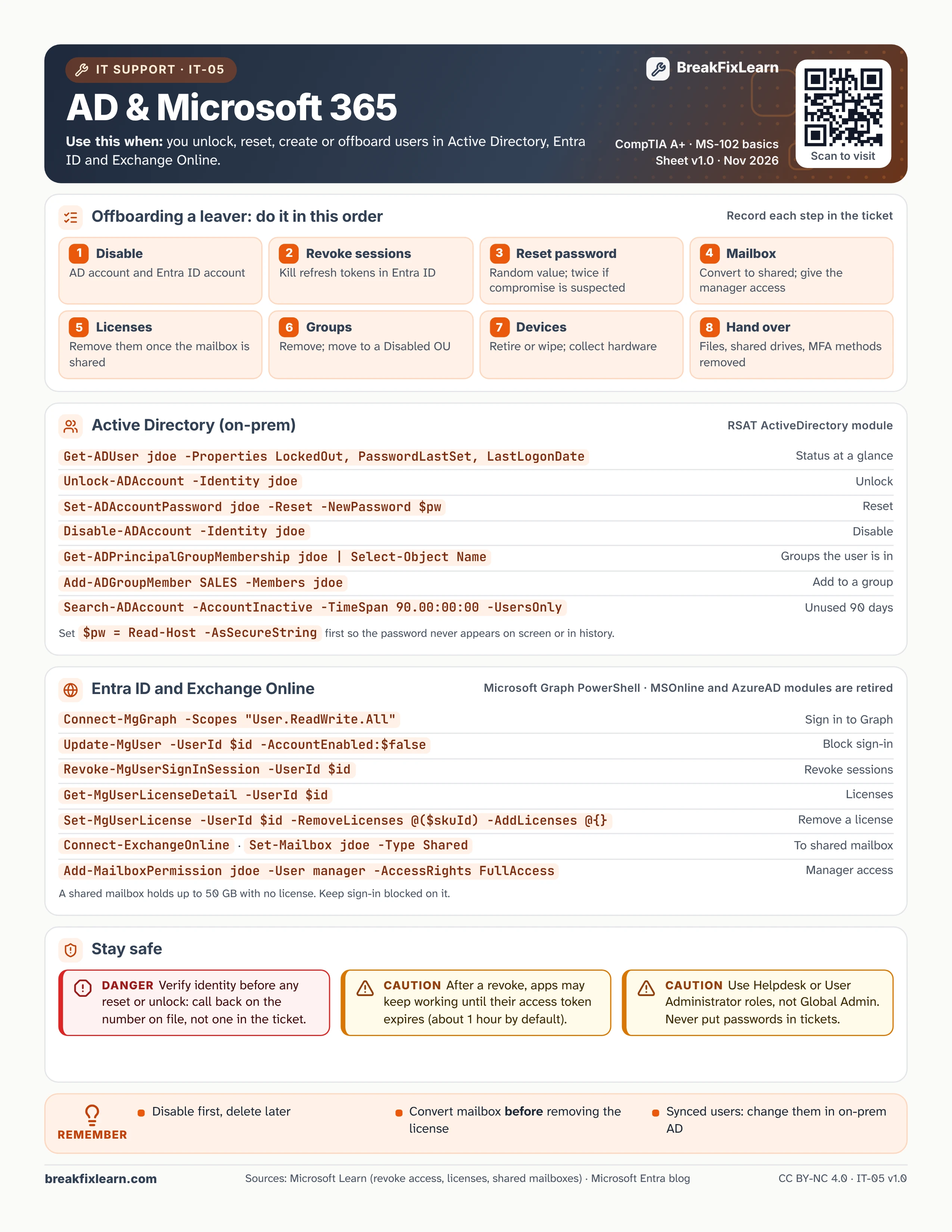
Text version
Everything on the sheet, as plain HTML: handy for screen readers, copy-paste and search.
Offboarding a leaver: do it in this order
Record each step in the ticket.
- Disable the AD account and the Entra ID account.
- Revoke sessions to kill refresh tokens in Entra ID.
- Reset the password to a random value; twice if compromise is suspected.
- Mailbox: convert it to shared and give the manager access.
- Licenses: remove them once the mailbox is shared.
- Groups: remove the user and move the account to a Disabled OU.
- Devices: retire or wipe them, and collect the hardware.
- Hand over files and shared drives, and remove MFA methods.
Active Directory (on-prem)
These need the RSAT ActiveDirectory module. Set $pw = Read-Host -AsSecureString first so the password never appears on screen or in history.
| Command | What it does |
|---|---|
Get-ADUser jdoe -Properties LockedOut, PasswordLastSet, LastLogonDate | Status at a glance |
Unlock-ADAccount -Identity jdoe | Unlock |
Set-ADAccountPassword jdoe -Reset -NewPassword $pw | Reset the password |
Disable-ADAccount -Identity jdoe | Disable |
Get-ADPrincipalGroupMembership jdoe | Select-Object Name | Groups the user is in |
Add-ADGroupMember SALES -Members jdoe | Add to a group |
Search-ADAccount -AccountInactive -TimeSpan 90.00:00:00 -UsersOnly | Accounts unused for 90 days |
Entra ID and Exchange Online
Use Microsoft Graph PowerShell. The MSOnline and AzureAD modules are retired.
| Command | What it does |
|---|---|
Connect-MgGraph -Scopes "User.ReadWrite.All" | Sign in to Graph |
Update-MgUser -UserId $id -AccountEnabled:$false | Block sign-in |
Revoke-MgUserSignInSession -UserId $id | Revoke sessions |
Get-MgUserLicenseDetail -UserId $id | List licenses |
Set-MgUserLicense -UserId $id -RemoveLicenses @($skuId) -AddLicenses @{} | Remove a license |
Connect-ExchangeOnline, then Set-Mailbox jdoe -Type Shared | Convert to a shared mailbox |
Add-MailboxPermission jdoe -User manager -AccessRights FullAccess | Give the manager access |
A shared mailbox holds up to 50 GB with no license. Keep sign-in blocked on it.
Stay safe
Danger. Verify identity before any reset or unlock: call back on the number on file, not one in the ticket.
Caution. After a revoke, apps may keep working until their access token expires (about 1 hour by default).
Caution. Use the Helpdesk Administrator or User Administrator role, not Global Administrator. Never put passwords in tickets.
Remember
- Disable first, delete later
- Convert the mailbox before removing the license
- For synced users, make changes in on-prem AD
Sources
- Microsoft Learn, revoke user access in an emergency
- Microsoft Learn, remove licenses with PowerShell
- Microsoft Learn, convert a mailbox
- Microsoft Learn, about shared mailboxes
- Microsoft Entra blog, MSOnline and AzureAD retirement