Prompts for IT & networking tasks
Use this when: you want AI help with real IT work: reading output, explaining configs, writing scripts, tickets and runbooks.
Text version
Everything on the sheet, as plain HTML: handy for screen readers, copy-paste and search.
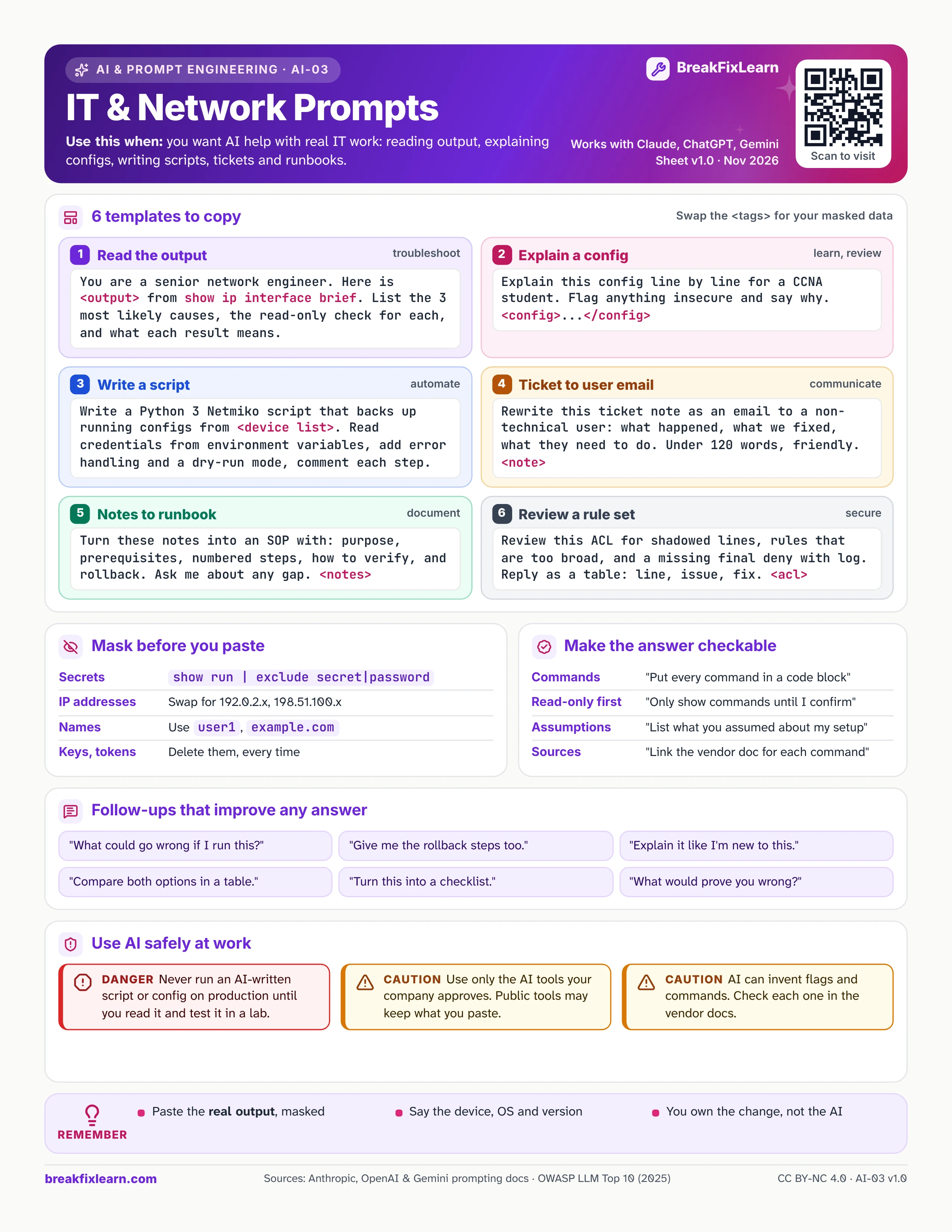
6 templates to copy
Swap the <tags> for your own masked data.
| # | Task | Prompt |
|---|---|---|
| 1 | Read the output | You are a senior network engineer. Here is <output> from show ip interface brief. List the 3 most likely causes, the read-only check for each, and what each result means. |
| 2 | Explain a config | Explain this config line by line for a CCNA student. Flag anything insecure and say why. <config>...</config> |
| 3 | Write a script | Write a Python 3 Netmiko script that backs up running configs from <device list>. Read credentials from environment variables, add error handling and a dry-run mode, and comment each step. |
| 4 | Ticket to user email | Rewrite this ticket note as an email to a non-technical user: what happened, what we fixed, what they need to do. Under 120 words, friendly. <note> |
| 5 | Notes to runbook | Turn these notes into an SOP with purpose, prerequisites, numbered steps, how to verify, and rollback. Ask me about any gap. <notes> |
| 6 | Review a rule set | Review this ACL for shadowed lines, rules that are too broad, and a missing final deny with log. Reply as a table: line, issue, fix. <acl> |
Mask before you paste
- Secrets:
show run | exclude secret|password - IP addresses: swap them for 192.0.2.x and 198.51.100.x
- Names: use
user1andexample.com - Keys and tokens: delete them, every time
Make the answer checkable
- "Put every command in a code block."
- "Only show commands until I confirm."
- "List what you assumed about my setup."
- "Link the vendor doc for each command."
Follow-ups that improve any answer
- "What could go wrong if I run this?"
- "Give me the rollback steps too."
- "Explain it like I'm new to this."
- "Compare both options in a table."
- "Turn this into a checklist."
- "What would prove you wrong?"
Use AI safely at work
Danger. Never run an AI-written script or config on production until you have read it and tested it in a lab.
Caution. Use only the AI tools your company approves. Public tools may keep what you paste.
Caution. AI can invent flags and commands. Check each one in the vendor docs.
Remember
- Paste the real output, masked
- Say the device, OS and version
- You own the change, not the AI
Sources
- Anthropic, prompt engineering overview
- OpenAI, prompt engineering guide
- Google, Gemini prompting strategies
- OWASP Top 10 for LLM applications (2025)